Spectrum Monitoring
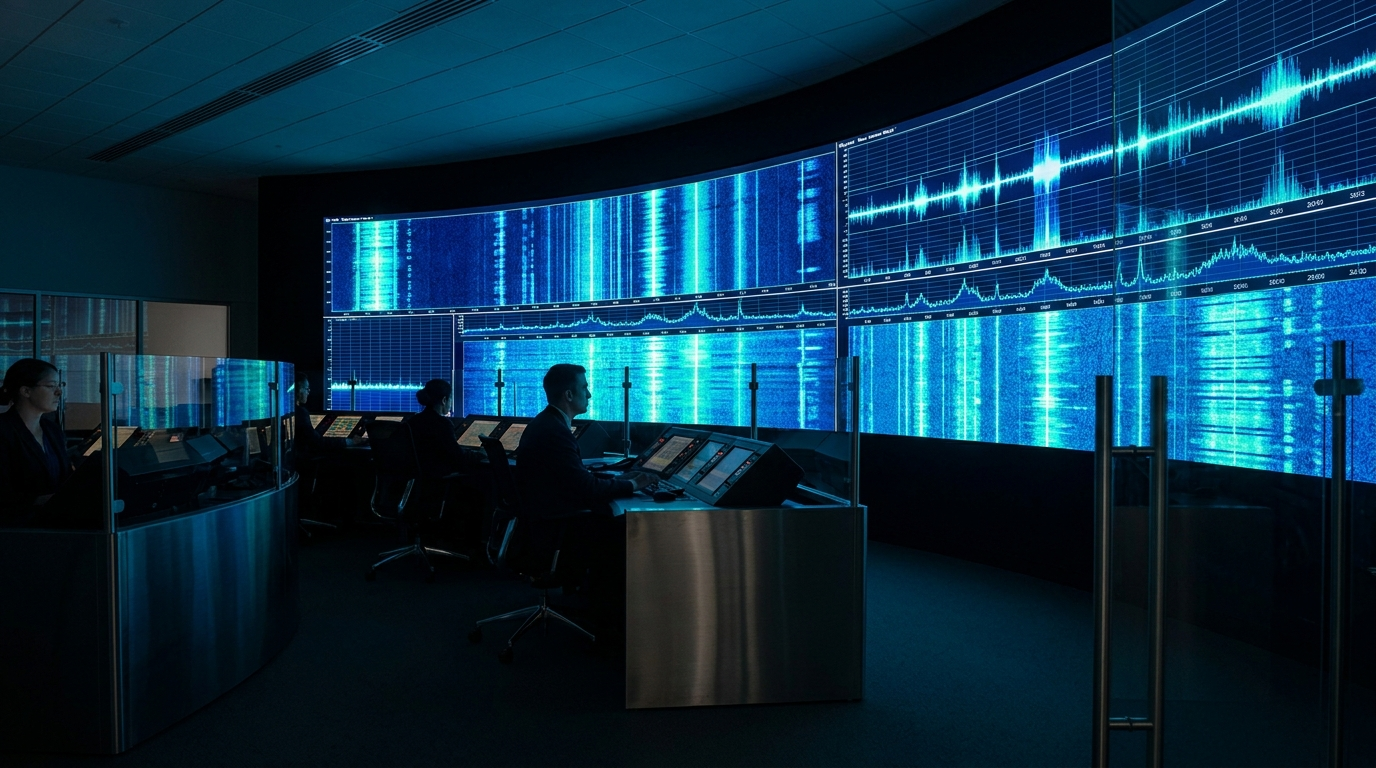
The radio spectrum is a shared, finite, and increasingly crowded resource. Someone has to keep it orderly. Spectrum monitoring is the discipline of watching the bands over time, confirming that licensed users get the channels they paid for, and spotting the signals that should not be there. It is part traffic control, part detective work, and part recordkeeping.
What makes it hard is that the interesting events are rarely sitting still waiting to be found. An interferer might key up for a few seconds, then go quiet for an hour. Occupancy shifts by time of day and day of week. A complaint comes in long after the offending transmission has stopped. To monitor well you have to cover a wide span of frequencies, watch them continuously or on a schedule, and capture enough detail that a brief, intermittent event is not lost between sweeps. Then the evidence has to be kept. A recorded, time-stamped capture that can be replayed and analyzed is what an interference case is resolved on.
How the ICX-FieldHawk line solves it
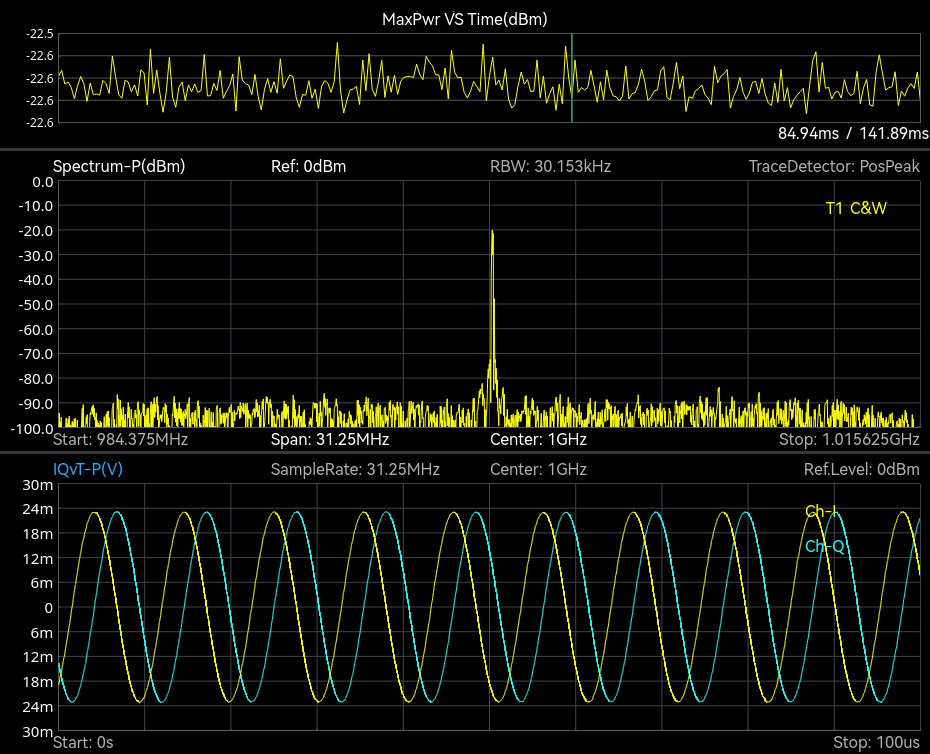
The ICX-FieldHawk platform pairs wide frequency coverage with the views and the record that a long watch depends on, in the SpectraCore software.
The spectrogram and historical-trace views show how busy each channel is across a span and how that activity changes over time, and the real-time density display separates persistent users, bursty intruders and quiet gaps by how often each point is occupied. On the ICX-045, 060 and 090, Mapping mode adds GPS-referenced heat maps for interference analysis as standard. Sweeping a wide band is fast, 1 THz/s at 250 kHz RBW with spur rejection bypassed, so a station covers its bands of interest in a single pass rather than from a stored channel list.
Data Record and Playback is the function the work depends on. The analyzer captures spectrum and IQ to file with timestamps, at up to 100 MHz bandwidth into 128 Mbyte of built-in memory or continuously at up to 25 MHz, so a fleeting interference event lives on after it ends. An investigator can replay the capture, zoom into the moment, and measure the signal at leisure. That recording is the record a suspicion is tested against, and it travels with the report.
Which models and accessories fit
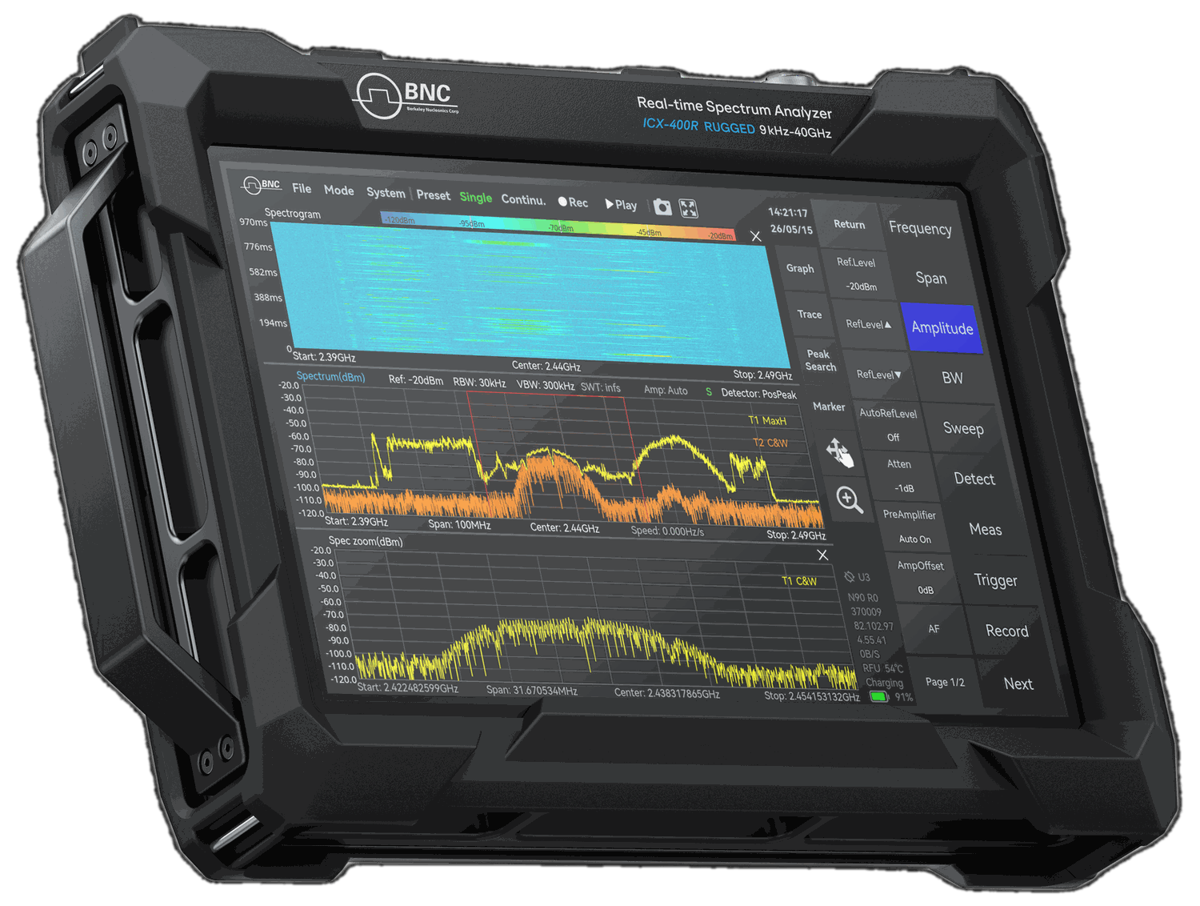
For mobile monitoring and roaming spot checks, the ICX-FieldHawk lets an officer respond to a complaint, capture the offending signal on site, and walk away with a record. It is the instrument for the investigator who has to go to where the interference is.
For fixed or semi-permanent monitoring stations, the ICX-Series USB analyzer integrates into an unattended setup. Connected to a host computer, it runs scheduled sweeps and recordings around the clock through the API, building a continuous picture of band occupancy without anyone standing watch; the LAN variant puts the same module on Gigabit Ethernet for a remote post. For posts exposed to the elements, the ICX-FieldHawk-R keeps the same monitoring capability in an IP68 impact-protected chassis with temperature classes to -40 °C.
When the job turns from watching to locating, the RFA-3100-N directional antenna gives the operator a way to take a bearing on an interferer. Its 500 MHz to 10 GHz coverage, 5 dBi typical gain and 20 dB amplifier with bypass make it the bridge between monitoring a band and tracking down the source inside it.
Record the event first, then locate the source. A time-stamped capture records that the interference happened; an RFA-3100-N bearing points toward the source.
Use cases in the field
Regulators use continuous monitoring to police band use and confirm that licensees stay within their assignments. Enforcement teams use record and playback to investigate interference complaints and build the record the case is decided on. Network and facility operators use the spectrogram and density views to understand how their spectrum is used, planning around congestion and catching unauthorized transmitters before they affect service.
Recommended configuration
For a monitoring program that mixes fixed watch with mobile response, deploy an ICX-Series USB or LAN module at the station for unattended scheduled sweeps and recordings, and equip field officers with an ICX-FieldHawk for on-scene capture, all running SpectraCore. Outdoor or harsh-environment posts should use the ICX-FieldHawk-R body, and any team that needs to chase a source to its location should add the RFA-3100-N directional antenna.
To design a monitoring setup around your bands, schedule, and reporting needs, contact Berkeley Nucleonics at info@berkeleynucleonics.com or 800-234-7858.
For a quick question, chat with an engineer at berkeleynucleonics.com.