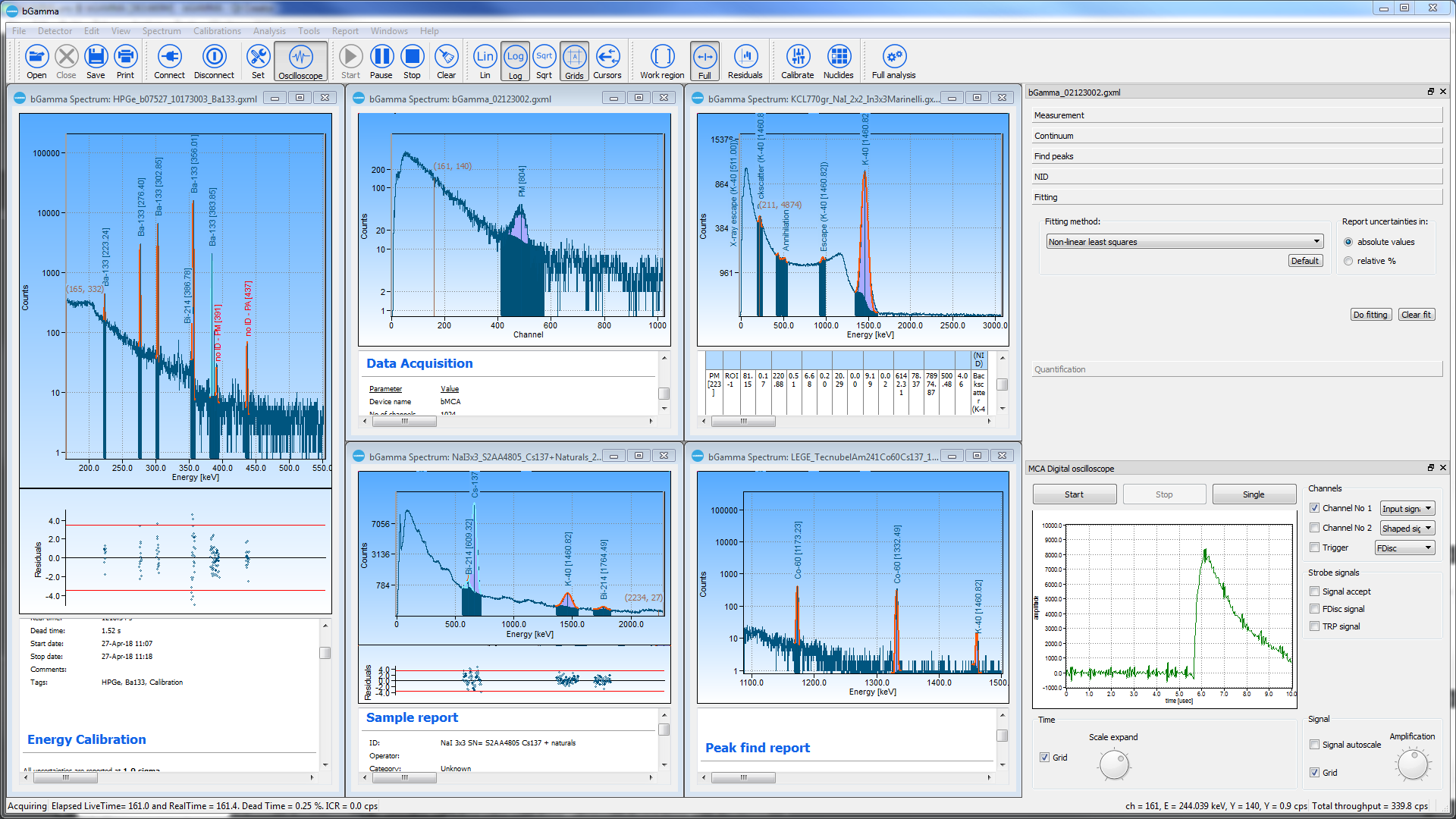
bGamma is BrightSpec's gamma-ray spectrometry software for acquiring, calibrating, analyzing, and reporting gamma spectra. It connects directly to BrightSpec digitizers and multichannel analyzers, runs several spectra side by side, and covers the full workflow from live acquisition to quantified, uncertainty-aware reports.
By BrightSpec, represented in North America by Berkeley Nucleonics · Release 1.7.2, April 2026 · Back to BrightSpec MCAs
Acquire live from a connected device with an MCA digital oscilloscope, then move through energy and efficiency calibration, peak finding, nuclide identification, non-linear least-squares peak fitting, and quantification. Multiple spectra open side by side, and every result flows into structured reports with full uncertainties.
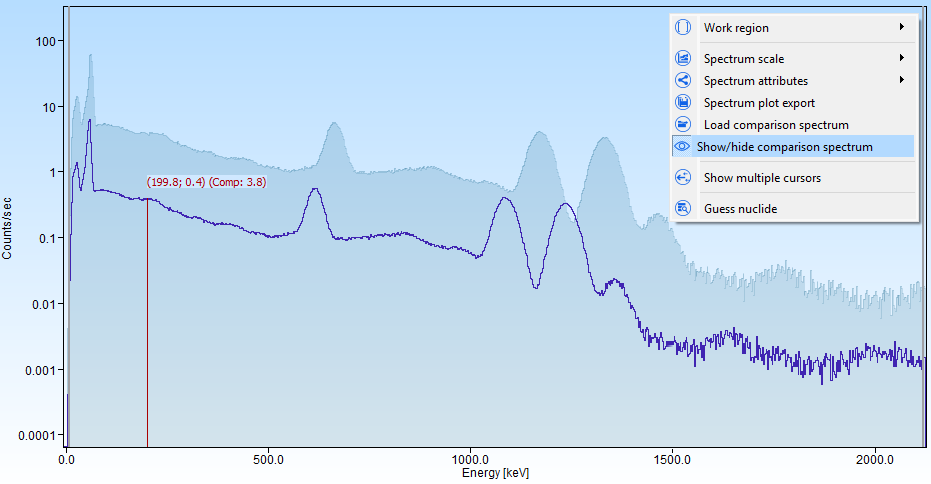
Overlay and compare two spectra directly in the spectrum plot. The comparison can be set on the X axis by channels or energy, and on the Y axis by intensity (counts) or count rate (counts per second).
In comparison mode the plot cursor reports live values for both the target and the comparison spectra across the X axis, and the overlay can be shown or hidden instantly from the plot context menu. It is a practical tool for quality checks during acquisition and for side-by-side spectrum analysis.

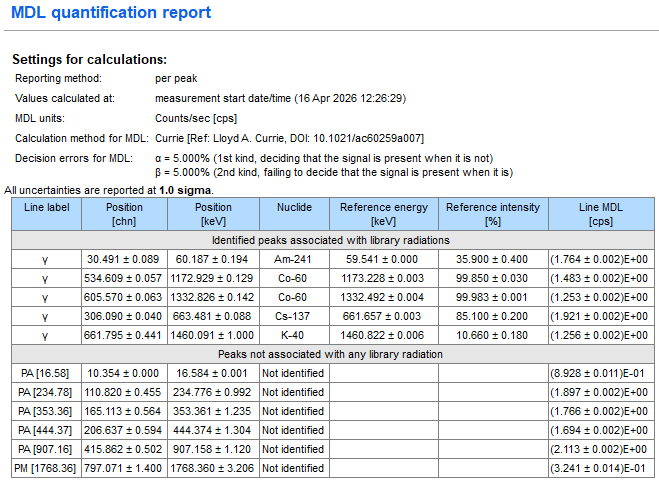
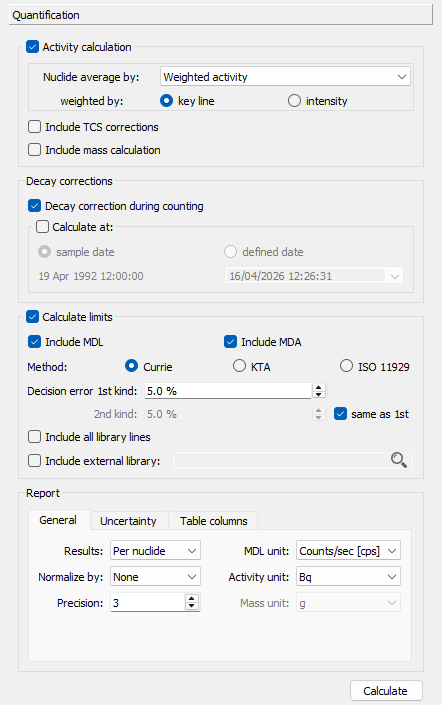
Quantification now calculates the minimum detection limit (MDL) alongside the existing minimum detectable activity (MDA), with similar options and setup.
MDL depends mainly on the peak continuum and the statistics of the selected method; unlike MDA, no efficiency is involved. A dedicated MDL report and a default MDL reporting unit are included.

The quantification settings are better grouped into sections and are enabled or disabled dynamically based on the document analysis status and the other selected settings.
New report tabs let you manage uncertainty settings (whether to include them and their value format) and table column settings (which parameters appear in report tables).

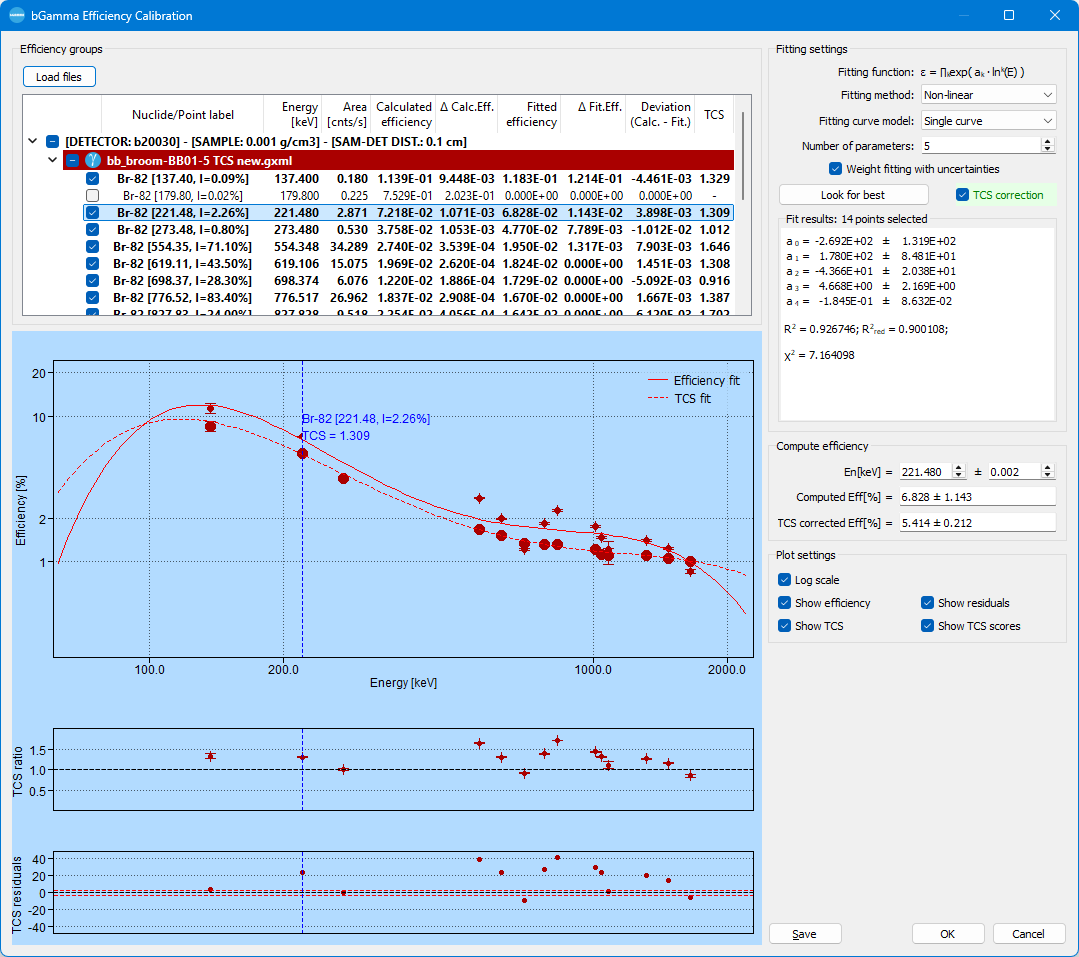
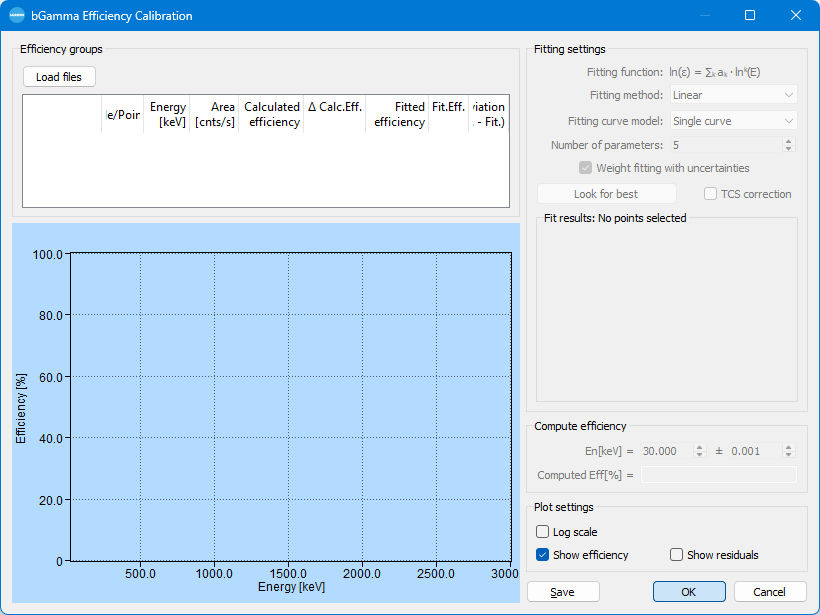
The efficiency editor gains a unified load button, a legend for the calibration curves with a settable in-graph position, and an energy scale that is no longer limited to the point range, which makes fine-tuning the curves easier.
Zoom and panning were added to the efficiency plot, matching the behavior of the spectrum plot.

When an efficiency calibration is imported from bGamEff and accepted, bGamma shows the setup, sample, and detector data from the bGamEff file and asks whether to import it into the current document.
Yes applies the setup and detector data, Yes to all also applies the sample data, and No applies none of it.

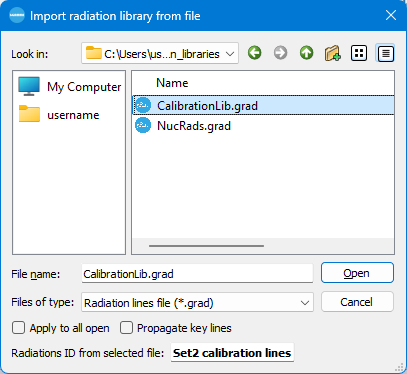
Key-line flags are now saved with a nuclide's radiations when exporting to a library file (.grad). When a library file is loaded, bGamma can import those key lines and propagate them to the local nuclear library.
Nuclide library files are therefore fully exchangeable between installations.

Peak-to-total (Pt) and efficiency calibrations can be removed from the current document. Clear the data table, apply, and confirm when prompted, and the calibration is cleared from the document.

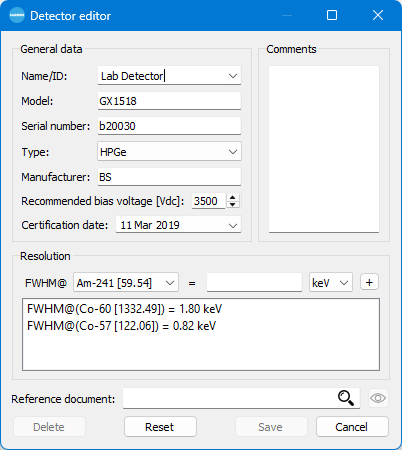
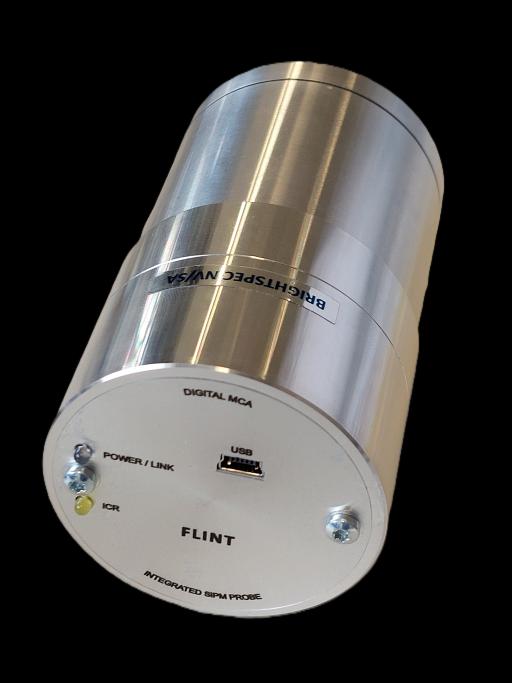
bGamma integrates the new FLINT device. When a FLINT integrated detector is connected, its information is read and propagated through the corresponding document.

Tell us your detector and application and we will help you match bGamma to the right BrightSpec MCA.